Download TestFlow for Windows
Run your generated test automation on real bench instruments, right from your lab machine.
Windows 10/11 · x64 · v0.0.1 · Free download
Works with your instruments












Inside the app
From a sentence
to a bench run
The same four moves every time. Ask, generate, review the plan, run it on real hardware.
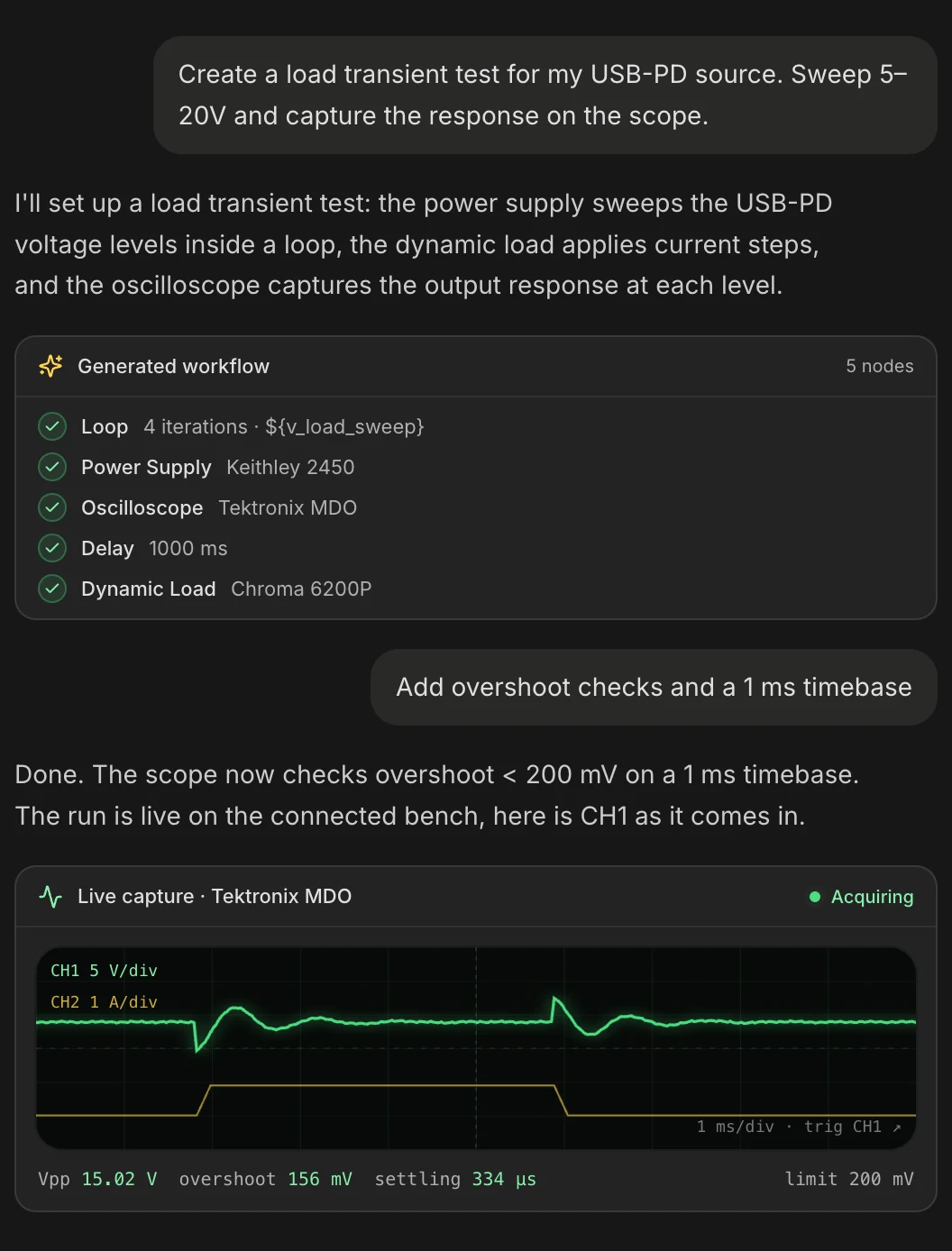
Describe the test in plain English
Tell the agent what you want to validate the way you would tell an engineer. It selects the instruments, wires the sequence, and streams the capture back as it comes off the bench. No hand-coding, nothing in the middle.
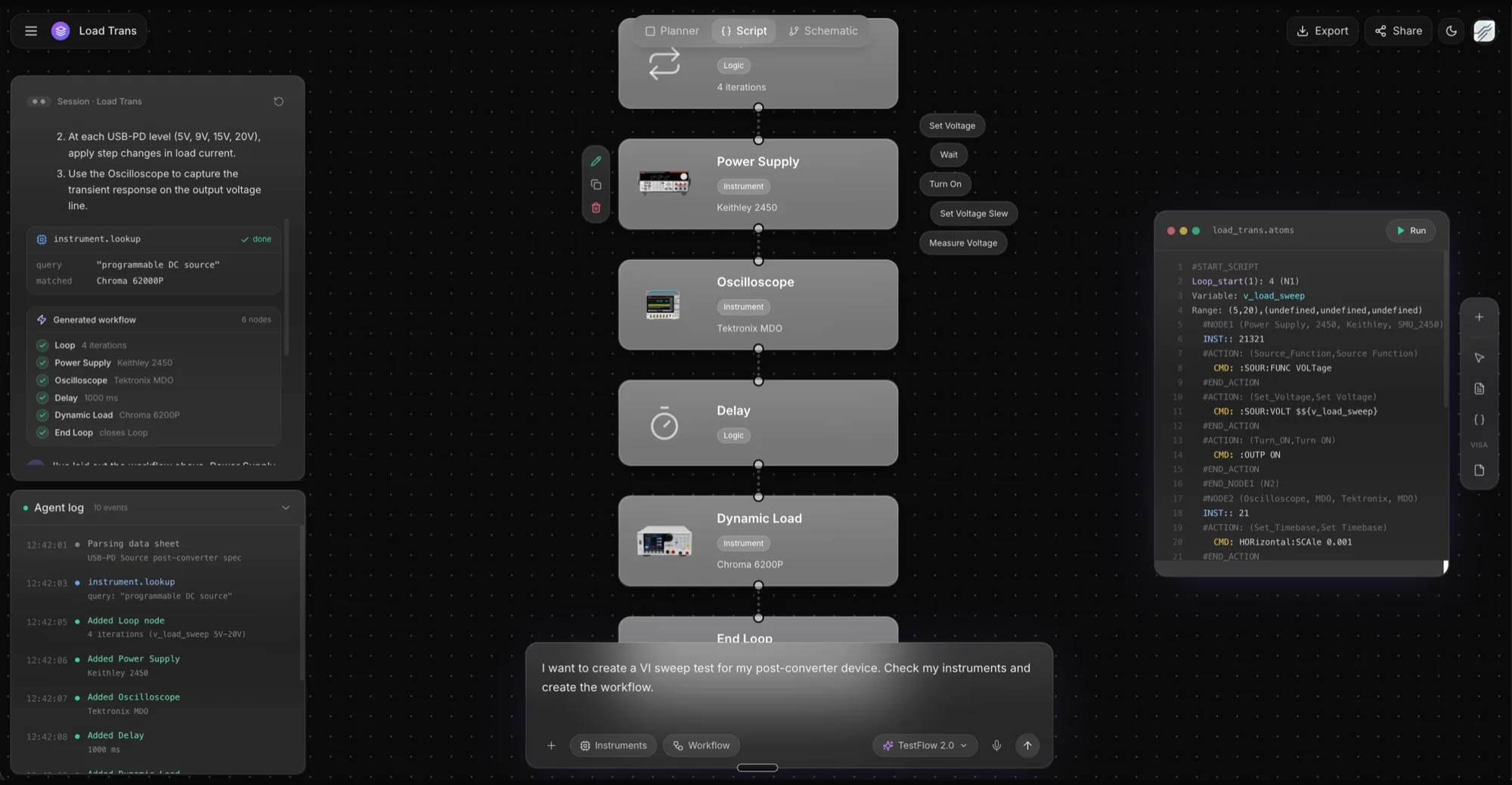
Complete automation scripts in seconds
Every workflow compiles into a runnable script in ATOMS, the vendor-agnostic instrument language underneath TestFlow. Read it, edit it, keep it in version control. The same script drives Keithley, Tektronix, Chroma, and whatever else is on your bench.
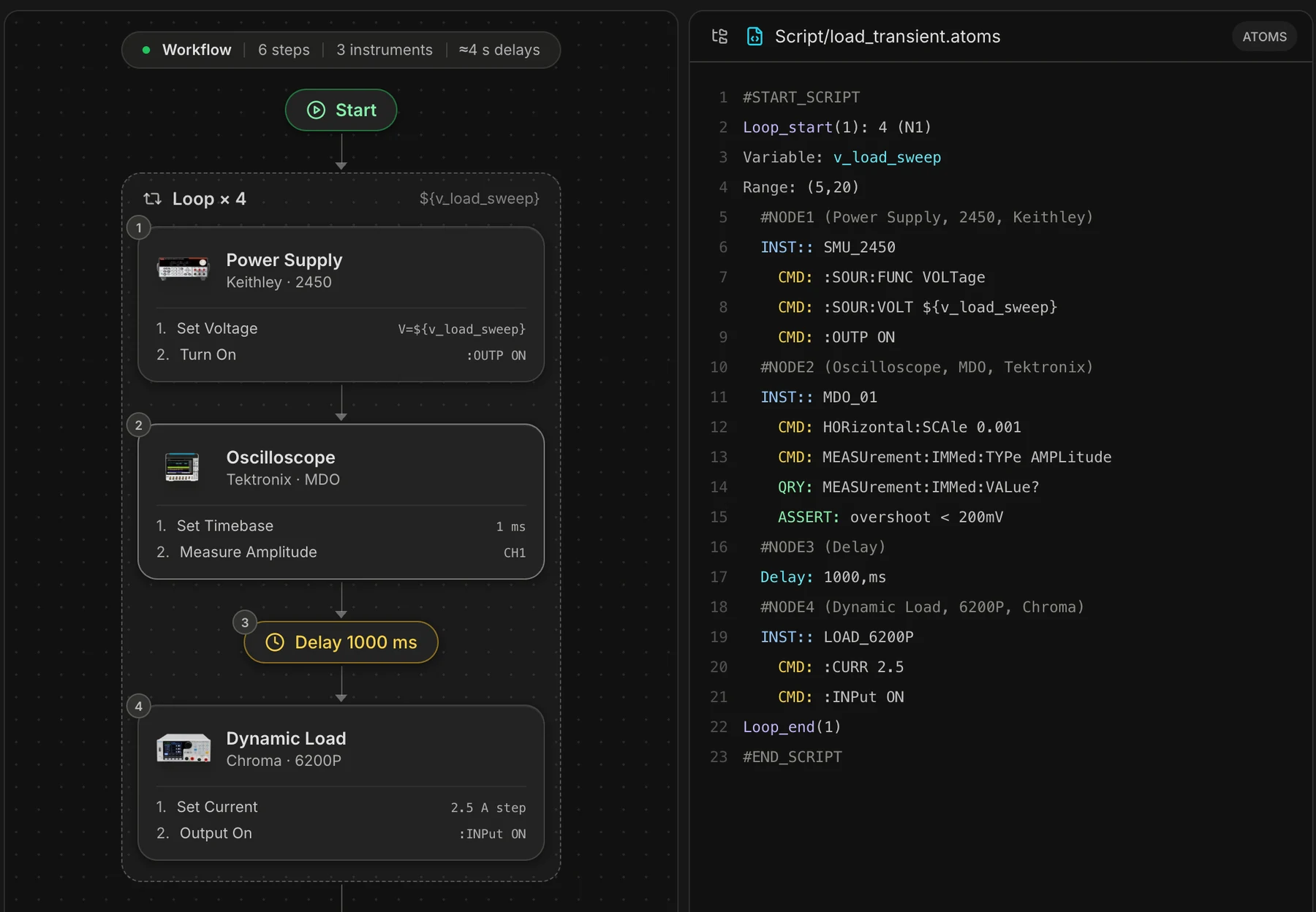
The validation plan writes itself
Objective, equipment table, pass criteria, and procedure, generated alongside the workflow and kept in sync with it. Download it as a document your team, your customer, or your quality reviewer can sign off on.
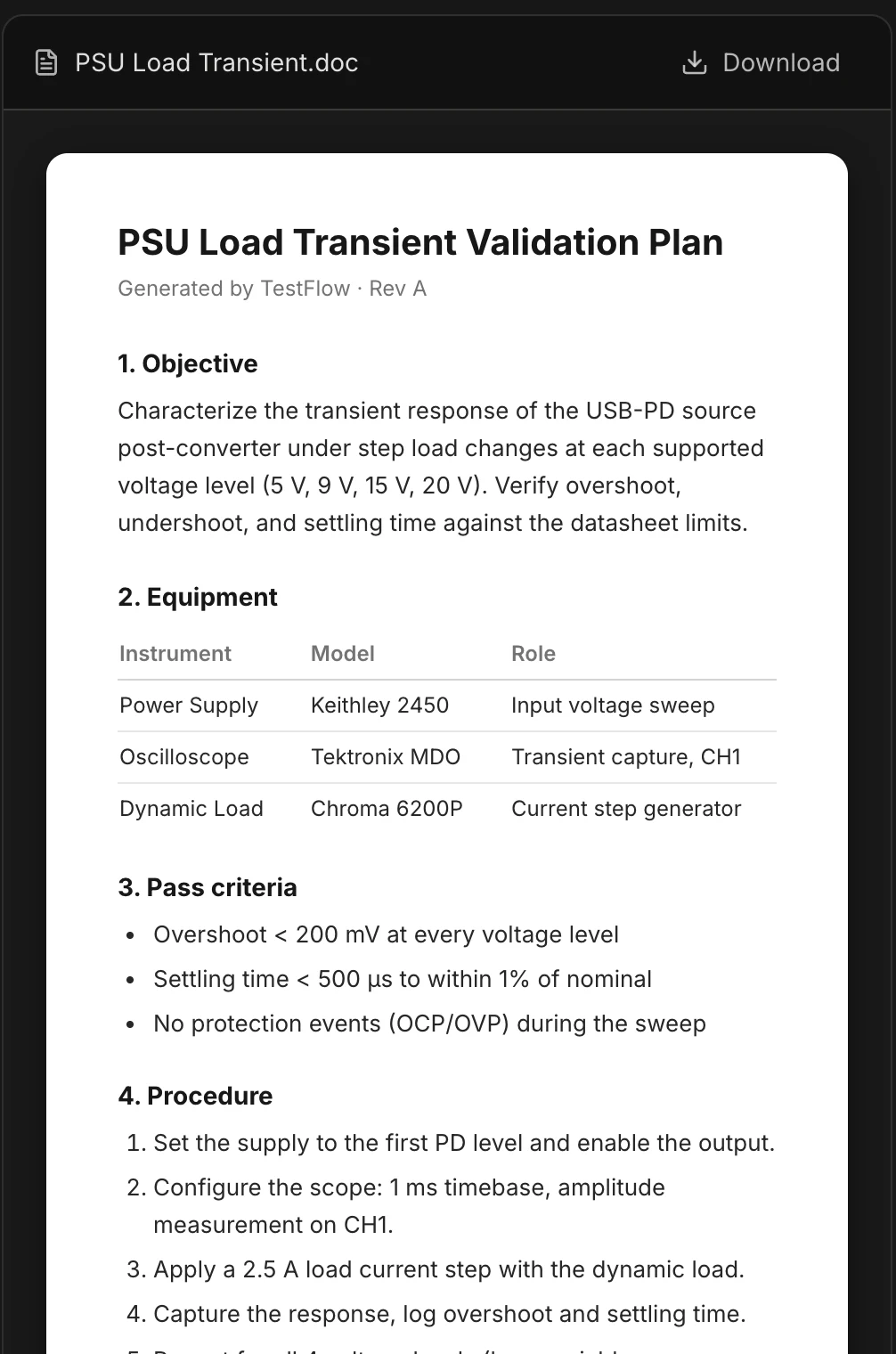
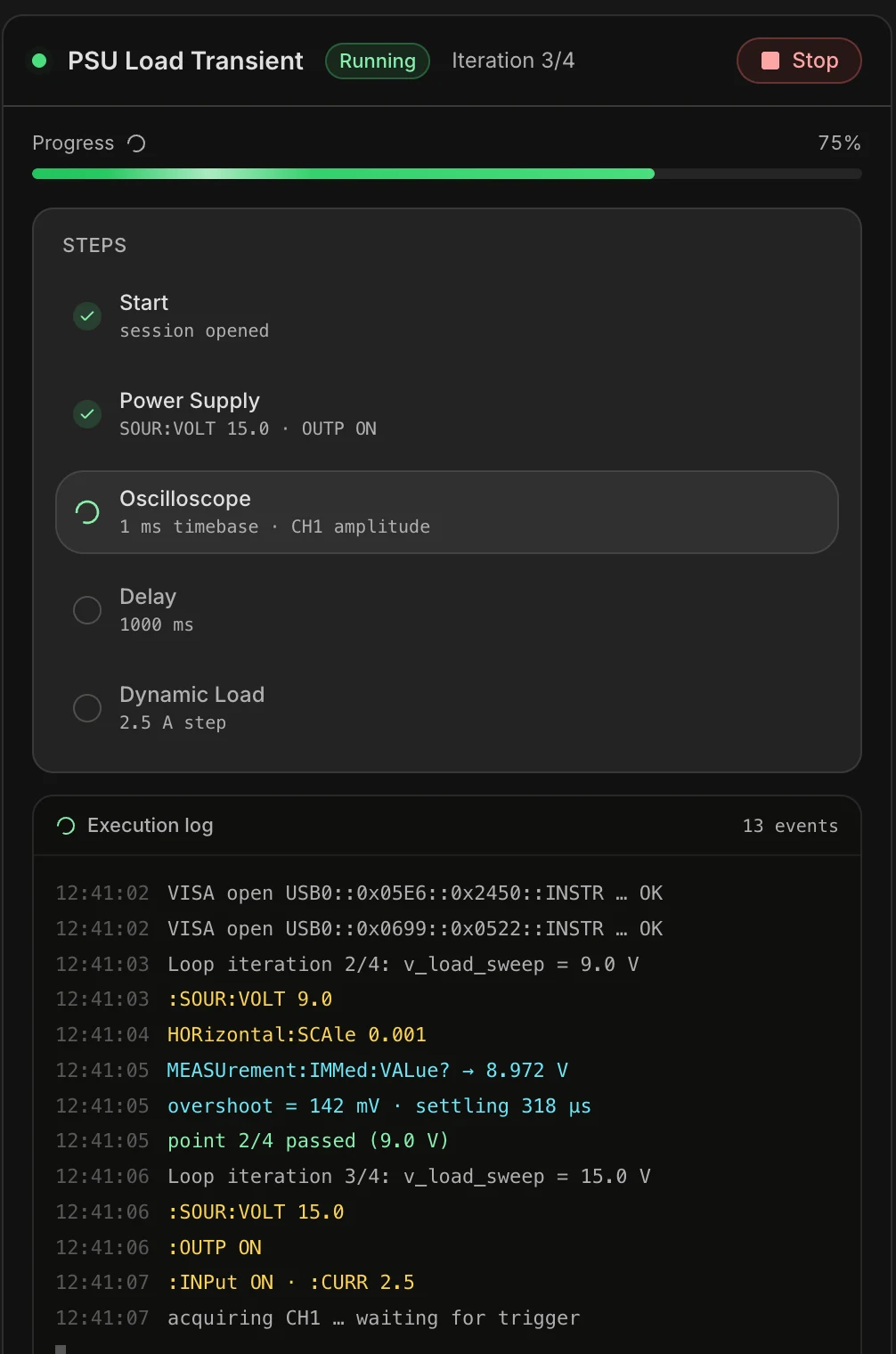
Run it on the bench, watch every step
The desktop app opens the VISA sessions, drives the instruments, and streams the execution log live. Progress per step, measured values as they land, and a test report waiting at the end of the run.
Get started
Up and running
in three steps
From installer to your first automated instrument run, in a few minutes.
Run the installer
Open TestFlow-Setup.exe and follow the prompts. Takes under a minute.
Sign in
Use your TestFlow account. New here? Create one free in the browser first.
Connect and run
Plug in your instruments, let TestFlow detect them, and run your first automated test.
FAQ
Questions
Put it on your bench this week
A new way for testing, from specs to automated sequences, capture clean data, and accelerate your validation cycle.